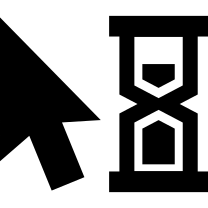
This icon represents a disabled state for a cursor, typically used in user interface design to indicate that a particular action or feature is currently unavailable. The design is minimalist, featuring a standard cursor shape with a visual cue, such as a grayed-out appearance or a crossed-out element, to convey its inactive status. This icon is essential for enhancing user experience by providing clear visual feedback, especially in applications where certain functionalities may be temporarily restricted. It can be utilized in web applications, mobile apps, or software interfaces to guide users effectively, ensuring they understand when they cannot interact with specific elements.


Part of the
Generic Cursor Fill SVG collection,
in Design.
Download the Disabled Cursor vector as a ready-to-edit .svg file —
it scales to any size without losing quality and can be recoloured in any
vector editor or straight in CSS.