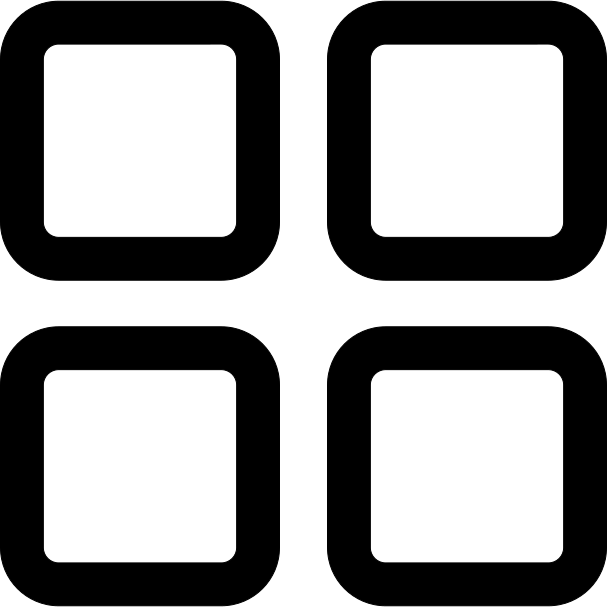
This graphic represents a button designed to symbolize various viewing options within a user interface. The icon features four squares arranged in a grid pattern, each square representing a different layout or perspective for displaying content. This versatile button is commonly used in applications and websites to allow users to toggle between different views, such as grid, list, or detailed layouts. It enhances user experience by providing intuitive navigation and customization of content presentation. Ideal for developers and designers looking to implement a clean and modern interface element, this icon can be seamlessly integrated into dashboards, galleries, and any platform requiring flexible viewing options.


Part of the
Universal Interface SVG collection,
in Technology.
Download the Four Squares View Options Button vector as a ready-to-edit .svg file —
it scales to any size without losing quality and can be recoloured in any
vector editor or straight in CSS.